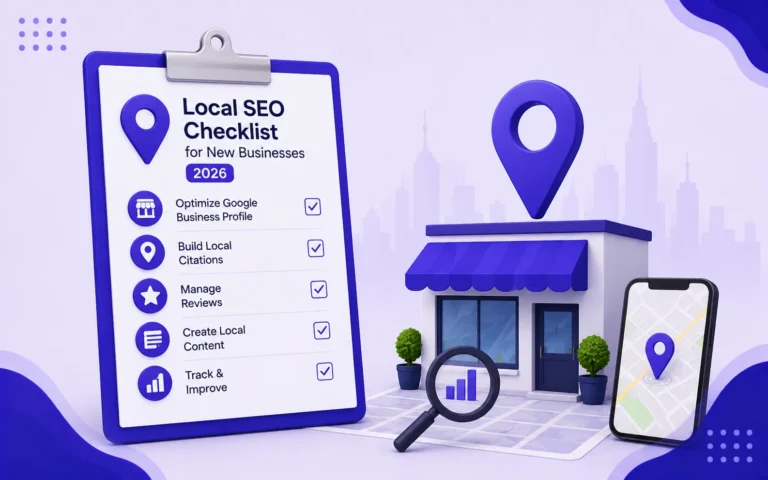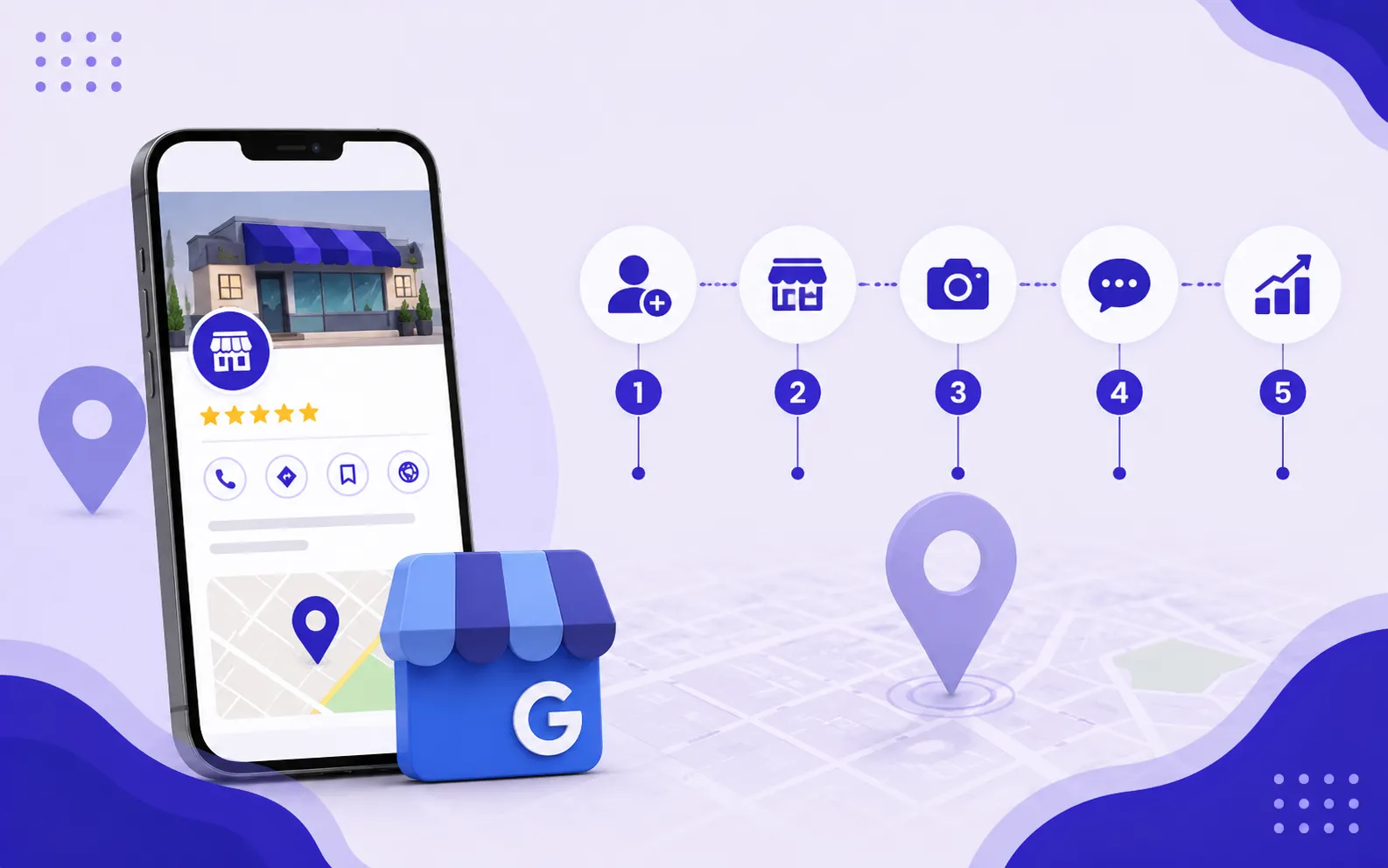

An optimized Google Business Profile (GBP) is the single fastest way for a local business to appear in Google’s local pack, the three-business listing that appears at the top of search results for location-based queries. Businesses that fully optimize their GBP consistently outrank competitors with more backlinks and older websites in local search results. This guide covers every optimization step in the correct order, from initial setup to ongoing maintenance, with specific actions for businesses in Pakistan and the US.
What Is Google Business Profile and Why It Matters for Local SEO
Google Business Profile is a free tool that controls how your business appears in Google Search and Google Maps. When someone searches “SEO agency in Karachi” or “restaurant near me,” Google shows a local pack of three businesses above the organic results. The businesses in that local pack are ranked based on three factors: relevance (how well the profile matches the query), distance (proximity to the searcher), and prominence (how well-known and trusted the business is online).
A fully optimized GBP directly improves all three factors. An incomplete or unoptimized profile leaves local visibility entirely to chance. For small businesses in Pakistani cities like Bahawalpur, Karachi, Lahore, and Islamabad, where digital competition is growing but many businesses still have weak or unclaimed GBP listings, a well-optimized profile is one of the fastest paths to measurable local search visibility.
Step 1: Claim and Verify Your Google Business Profile
You cannot optimize a profile you do not control. Claiming and verifying your GBP is the mandatory first step before any optimization work can begin.
How to Claim Your Profile
- Go to business.google.com and sign in with the Google account you want associated with your business
- Search for your business name. If it already exists as an unverified listing, click “Claim this business.” If it does not exist, click “Add your business to Google.”
- Enter your business name exactly as it appears on your signage, website, and other listings. Consistency matters for NAP (Name, Address, Phone) signals.
- Select your primary business category. Choose the most specific category available. “SEO Agency” is better than “Marketing Agency.” “Pakistani Restaurant” is better than “Restaurant.”
- Add your business address if you have a physical location customers visit. If you are a service-area business that goes to customers, select “I deliver goods and services to my customers” and define your service area instead.
- Add your phone number and website URL.
- Choose a verification method. Google offers verification by postcard (mailed to your business address), phone, email, video recording, or instant verification for some businesses.
Verification Timeline
| Verification Method | Time to Complete | Available For |
|---|---|---|
| Postcard | 5 to 14 days | Most businesses with a physical address |
| Phone or SMS | Immediate | Eligible businesses with a verified phone number |
| Immediate | Eligible businesses with a verified email address | |
| Video recording | 1 to 3 days for review | Businesses where other methods are unavailable |
| Instant verification | Immediate | Businesses already verified in Google Search Console |
Do not begin any other optimization steps until verification is complete. Changes made to an unverified profile may not appear in search results and can be overridden by anyone who claims the listing.
Step 2: Complete Every Section of Your Profile
Google’s own documentation confirms that businesses with complete profiles are twice as likely to be considered reputable and 70% more likely to attract location visits than those with incomplete profiles. Every empty field is a missed optimization opportunity.
Business Name
Use your exact legal or trading business name. Do not add keywords, location names, or descriptors that are not part of your actual business name. “She Earn Digital Marketing Agency Bahawalpur SEO” violates Google’s guidelines and can result in profile suspension. Your business name in GBP must match your signage, website, and all other online listings exactly.
Primary and Secondary Categories
Your primary category is the strongest relevance signal in your entire GBP profile. Choose the category that most precisely describes your core business. You can add up to nine secondary categories to capture additional query relevance.
| Business Type | Recommended Primary Category | Useful Secondary Categories |
|---|---|---|
| SEO / Digital marketing agency | Internet Marketing Service | Marketing Agency, Advertising Agency, SEO Agency |
| Restaurant | Most specific cuisine type available | Restaurant, Takeout Restaurant, Dine-in Restaurant |
| Law firm | Most specific practice area (e.g., Family Law Attorney) | Law Firm, Legal Services |
| General contractor | General Contractor | Most relevant trade specialties |
| Medical clinic | Most specific specialty (e.g., General Practice) | Medical Clinic, Health Consultant |
Business Description
Write a 250 to 750 character description that explains what your business does, who it serves, and what makes it different. Include your primary service keywords and location naturally. Do not use the description as an ad or include promotional language like “best in Pakistan” or “number one rated.”
A strong description for a Bahawalpur SEO agency might read: “She Earn is an SEO agency and digital marketing training academy based in Bahawalpur, Pakistan. We provide SEO services for small businesses across Pakistan and the US, and offer structured SEO courses for students and jobseekers looking to build a career in digital marketing.”
Business Hours
Set accurate hours for every day of the week. Add special hours for public holidays, Eid, and any other dates your business operates differently. Businesses with accurate hours receive higher trust signals from Google and avoid negative reviews from customers who arrived during listed hours to find the business closed.
Phone Number and Website URL
Use a local phone number where possible. The phone number in your GBP must match the phone number on your website and in every online directory where your business is listed. This NAP consistency is a direct local ranking signal. Add your primary website URL, not a social media profile.
Services and Products
Add every service your business offers using the Services section. For each service, write a specific name and a short description. This section helps Google match your profile to service-specific queries beyond your primary category. An SEO agency would add services like “Local SEO,” “On-Page Optimization,” “Technical SEO Audit,” “Google Business Profile Optimization,” and “SEO Training Courses” separately, each with its own description.
Step 3: Add High-Quality Photos and Videos
Google Business Profile listings with photos receive significantly more clicks, direction requests, and phone calls than listings without photos. Photos serve as trust signals: they confirm the business is real, active, and professional before a potential customer makes contact.
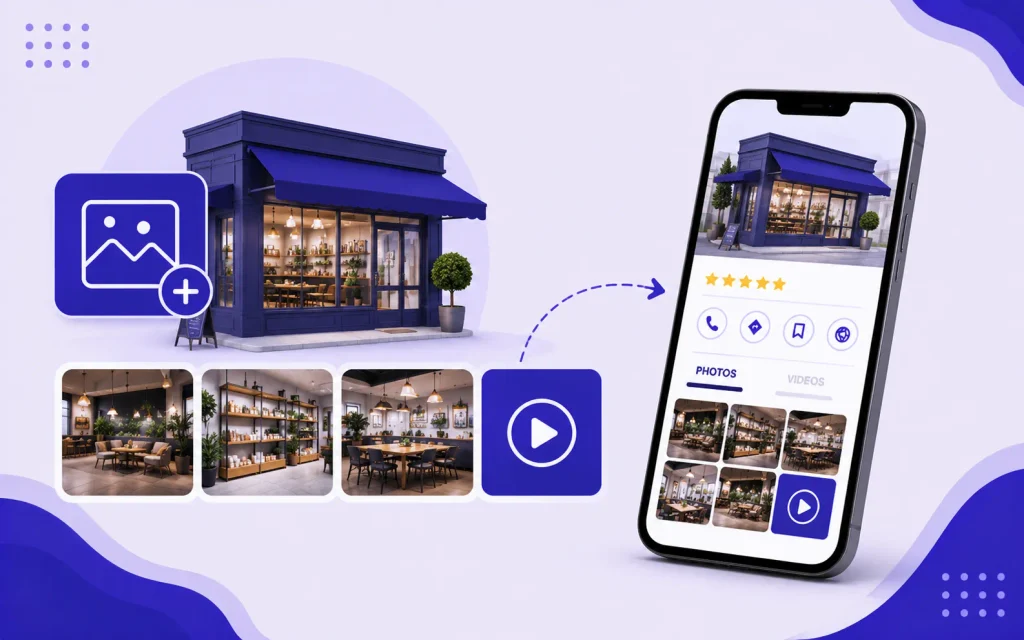
Photo Types to Add
- Logo: Your business logo in square format. This appears as your profile image across Google products.
- Cover photo: A high-quality image that represents your business visually. For a service business, this might be your team, your workspace, or a representative client project outcome.
- Interior photos: Images of your office, training space, or workspace that show a professional environment
- Exterior photos: The outside of your building or storefront to help customers recognize and find you
- Team photos: Images of the people who work in the business build trust and humanize the brand
- Work or product photos: For service businesses, screenshots of ranking reports, before and after traffic comparisons, or training session photos demonstrate real work
Photo Specifications
- Format: JPG or PNG
- Minimum size: 720 x 720 pixels
- File size: Between 10KB and 5MB
- Quality: Sharp, well-lit, and accurately representing the business
- No text overlays, promotional graphics, or stock photos
Add a minimum of 10 photos at launch and continue adding new photos monthly. Profiles with recent photo uploads are treated as more active and rank higher than profiles with photos that have not been updated in months or years.
Step 4: Write and Publish Google Posts Regularly
Google Posts are short updates that appear directly on your GBP listing in search results. They function like social media posts but appear in Google Search and Maps. Regular posting signals to Google that your profile is actively managed, which is a positive relevance signal for local rankings.
Types of Google Posts
- Updates: General news about your business, new services, team additions, or industry insights. Post at least once per week.
- Offers: Promotions, discounts, or special pricing with a start and end date. Useful for seasonal campaigns and limited-time course enrollment windows.
- Events: Upcoming webinars, training sessions, workshops, or community events your business is hosting or participating in
What to Write in Google Posts
- Keep posts between 150 and 300 words
- Include a clear call to action: “Book a free consultation,” “Enroll now,” “Call us today”
- Add a photo to every post. Posts with images receive higher engagement than text-only posts
- Include your primary service keyword and location naturally within the post text
- Post at a consistent frequency. Once per week is the minimum for active profiles.
Step 5: Build and Manage Your Google Reviews
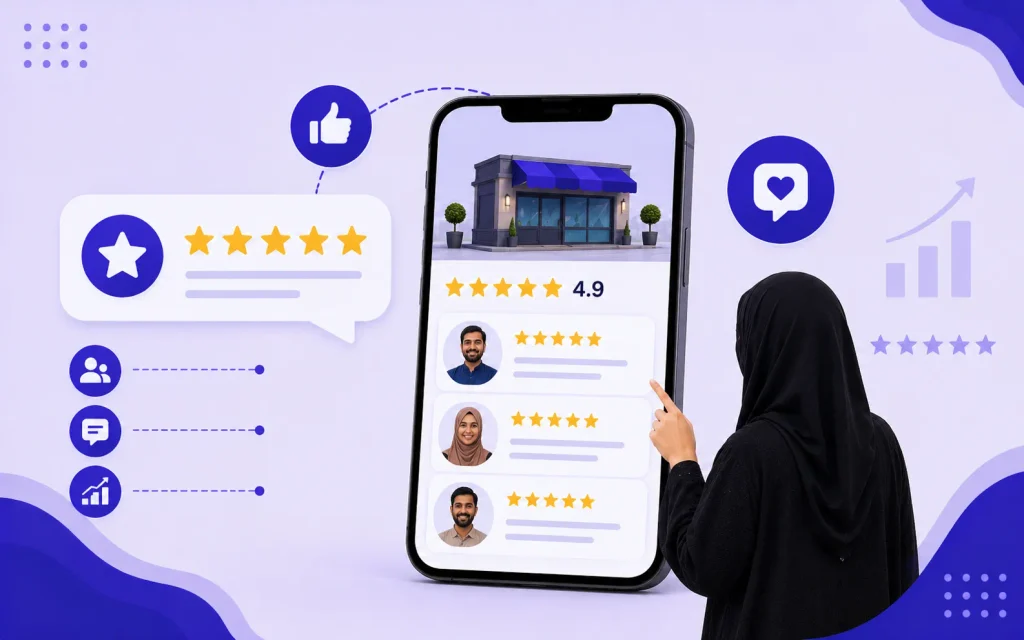
Reviews are one of the three primary local pack ranking factors. Review quantity, recency, and average rating all influence where your profile appears relative to competitors. A business with 50 reviews averaging 4.7 stars will almost always outrank a competitor with 10 reviews averaging 4.9 stars, because volume and recency carry significant weight in Google’s local algorithm.
How to Get More Google Reviews
- Make it easy: Generate your GBP review link by going to your profile, clicking “Get more reviews,” and copying the short link. Send this link directly to customers rather than asking them to search for you.
- Ask at the right moment: Request a review immediately after a positive experience: at the end of a successful project, after a course completion, or when a client reports a positive result. Timing matters. A happy customer asked immediately is far more likely to leave a review than one asked a month later.
- Ask by WhatsApp or SMS: In Pakistan, WhatsApp outreach for review requests consistently produces higher response rates than email. Send a short personal message with the direct review link.
- Ask every client systematically: Build review requests into your standard client offboarding or project completion process. It should happen automatically, not only when you remember to ask.
- Never incentivize reviews: Offering discounts, free services, or any other benefit in exchange for reviews violates Google’s policies and can result in review removal or profile suspension.
How to Respond to Reviews
Responding to reviews, both positive and negative, is a local ranking signal and a trust signal for potential customers reading your profile.
- Respond to every review within 24 to 48 hours
- For positive reviews: Thank the reviewer by name, mention the specific service they used, and include a natural reference to your location or a relevant keyword. “Thank you, Ahmed, for taking the time to share your experience with our SEO training course in Bahawalpur. We are glad the course helped you land your first freelance client.”
- For negative reviews: Acknowledge the experience without being defensive. Apologize for any genuine service failure. Offer to resolve the issue offline by providing a contact method. Never argue with a reviewer publicly. A professional, calm response to a negative review often reassures potential customers more than the negative review itself damages you.
Step 6: Add Your Service Area Correctly
If your business serves customers at their location rather than at a fixed address, or if you serve customers across multiple cities, the service area settings in your GBP profile directly affect which local searches your profile appears in.
Service Area vs. Physical Location
- Physical location businesses (offices, shops, clinics): Keep your address visible. Your profile will rank for searches in the vicinity of your address.
- Service area businesses (home services, consultants who visit clients): Hide your address and define a service area by city, region, or radius. Google uses your service area definition to determine which local searches your profile is eligible to appear in.
- Hybrid businesses (serve customers at their location and at your office): Keep your address visible and add a service area covering the cities you serve.
For She Earn, which serves clients across Bahawalpur, Karachi, Lahore, Islamabad, and US cities, the service area should list each target city separately. This signals to Google that the profile is relevant for searches in those locations. She Earn’s SEO services in Bahawalpur, Karachi, Lahore, and Islamabad are each supported by dedicated service pages that reinforce these location signals.
Step 7: Build Consistent NAP Citations Across the Web
NAP stands for Name, Address, and Phone number. Google cross-references the NAP information in your GBP profile against how your business is listed across the web. Consistent NAP data across directories, social media profiles, and other online mentions strengthens your local authority signal. Inconsistent NAP data, where your business name is spelled differently, your phone number is formatted differently, or your address varies between listings, weakens it.
Priority Citation Sources for Pakistan Businesses
- Google Business Profile (primary)
- Facebook Business Page
- Rozee.pk (for service businesses and agencies)
- PakistanYellowPages.com
- Locally.pk
- LinkedIn Company Page
- Industry-specific directories relevant to your niche
- Local chamber of commerce listings
Priority Citation Sources for US-Targeting Businesses
- Google Business Profile (primary)
- Yelp
- Bing Places for Business
- Apple Maps Connect
- Facebook Business Page
- Better Business Bureau (BBB)
- Industry-specific directories
NAP Consistency Rules
- Use the exact same business name spelling across every listing
- Use the exact same phone number format (including country code where applicable)
- Use the exact same address format including spelling of street name, area, and city
- Update every listing immediately whenever your business name, address, or phone number changes
Step 8: Use the Q&A Section Proactively
The Questions and Answers section of your GBP profile allows anyone to ask questions about your business, and anyone to answer them, including you. Many businesses ignore this section entirely, which means unanswered questions sit on their profile or get answered by members of the public who may provide inaccurate information.
How to Optimize the Q&A Section
- Seed your own questions and answers: Log in with a personal Google account (not your business account) and ask the most common questions your customers ask. Then log back into your business account and answer them thoroughly. Seed at least five to eight questions covering pricing, service areas, what is included, how to get started, and any other questions you hear repeatedly from prospects.
- Monitor for new questions: Turn on notifications for GBP updates so you are alerted when a new question is asked. Answer every question within 24 hours.
- Upvote accurate answers: If someone has already answered a question accurately, upvote their answer to push it to the top of the thread.
- Flag inaccurate answers: Use the “Report” function to flag any answers that contain incorrect information about your business.
Step 9: Add Your Products and Services with Descriptions
The Products and Services sections of your GBP profile expand the keyword surface area of your listing. Google indexes the content in these sections and uses it to match your profile to relevant queries beyond your primary category.
How to Add Services Effectively
- Add each service as a separate line item with its own name and description
- Write descriptions of 100 to 200 characters for each service, naturally including relevant keywords
- Add pricing where applicable. Profiles with pricing information receive higher trust signals from searchers comparing options.
- Group related services under category headings where the GBP interface allows it
For an SEO agency, individual service entries might include: Local SEO, Technical SEO Audit, On-Page Optimization, Google Business Profile Optimization, Link Building, SEO Course for Beginners, and Content Strategy. Each gets its own description, creating multiple keyword-rich touchpoints within the profile.
Step 10: Monitor Your Profile Insights and Adjust
Google Business Profile provides a free analytics dashboard called Insights (also accessible via the Performance tab). This data shows how customers find and interact with your profile, which optimization actions are working, and where gaps exist.
Key Metrics to Track Monthly
| Metric | What It Shows | What to Do With It |
|---|---|---|
| Search queries | The specific terms people used to find your profile | Identify keyword gaps and add missing services or categories |
| Profile views | How many times your profile was seen in Search and Maps | Track growth trend month over month. Declining views signal a ranking drop. |
| Direction requests | How many people asked for directions to your location | Indicates physical foot traffic intent. Rising numbers confirm local visibility growth. |
| Phone calls | How many calls were placed directly from your GBP listing | The most direct revenue-connected metric. Track alongside conversion rate. |
| Website clicks | How many people clicked through to your website from GBP | Compare with organic traffic in Google Analytics to see GBP’s contribution to site traffic. |
| Photo views | How often your photos are viewed relative to competitors | Low photo views relative to competitors indicate a need for more or better photos. |
Ongoing GBP Maintenance: What to Do Every Month
GBP optimization is not a one-time task. Local rankings are maintained through consistent activity signals. A profile that was fully optimized six months ago and has had no activity since will lose ground to competitors who are actively posting, collecting reviews, and updating their information.
Monthly GBP Maintenance Checklist
- Publish at least four Google Posts (one per week minimum)
- Request reviews from at least three to five recent customers
- Respond to all new reviews within 48 hours
- Answer any new Q&A questions within 24 hours
- Add at least two to three new photos
- Verify that business hours, phone number, and address are still accurate
- Check Insights for changes in search query terms and profile view trends
- Update the Services section if any new services have been added or existing ones have changed
Common Google Business Profile Mistakes to Avoid
Avoiding common Google Business Profile mistakes is essential to improving your local visibility, attracting more customers, and building trust in your business online.
Keyword Stuffing in Your Business Name
Adding keywords to your business name field (“She Earn SEO Agency Bahawalpur Digital Marketing”) violates Google’s guidelines. Competitors can report this to Google and your listing can be suspended or the name edited by Google. Use your real trading name only.
Using a Virtual Office Address for a Service Business
Registering a GBP profile at a shared office or virtual address where your business does not genuinely operate violates Google’s guidelines. Google actively investigates suspicious addresses and will suspend profiles found to be using addresses where the business is not physically present.
Ignoring Negative Reviews
An unanswered negative review signals to every potential customer reading your profile that you do not engage with feedback. Responding professionally to negative reviews reduces their impact and demonstrates accountability. A business with 20 reviews including two negative ones that received thoughtful, professional responses is more trustworthy than a business with 20 uniformly positive reviews that have no owner responses at all.
Letting the Profile Go Stale
A GBP profile with no new photos, no recent posts, and reviews that have not been responded to in months signals an inactive business. Google’s local algorithm treats profile activity as a relevance signal. Inactive profiles gradually lose local pack positions to actively managed competitors.
Frequently Asked Questions About Google Business Profile Optimization
How Long Does It Take for GBP Optimization to Improve Local Rankings?
Most businesses see measurable local pack ranking improvements within 3 to 6 weeks of completing a full GBP optimization. The fastest improvements come from completing all empty profile sections, adding photos, and ensuring NAP consistency across citations. Review generation and regular posting produce ranking improvements over a 6 to 12 week period as Google observes the activity pattern. Businesses in lower-competition markets like Bahawalpur or smaller Pakistani cities typically see faster movement than those in high-competition markets like Karachi or Lahore.
Does Google Business Profile Help Organic Search Rankings?
GBP directly influences local pack rankings but has indirect effects on organic search rankings. A well-optimized GBP profile generates consistent citations across the web, earns reviews that build domain trust, and drives traffic to your website from Google Search and Maps. These signals contribute to the broader authority and trust signals that influence organic rankings. GBP optimization and organic SEO work best as parallel strategies rather than alternatives.
Can I Have a Google Business Profile Without a Physical Address?
Yes. Service area businesses that visit customers at their location, such as home services, consultants, and agencies that work remotely, can create a GBP profile without displaying a physical address. During setup, select “I deliver goods and services to my customers” and define your service area by listing the cities or regions you serve. Your profile will appear in local searches within those areas without requiring a visible storefront address.
How Many Photos Should My Google Business Profile Have?
Aim for a minimum of 10 photos at launch covering your logo, cover image, team, workspace, and work examples. Add 2 to 3 new photos every month to maintain activity signals. Google’s own data shows that businesses with more than 100 photos receive significantly more direction requests and calls than those with fewer photos. Quality matters as much as quantity: sharp, well-lit, authentic photos outperform generic or stock images in terms of engagement and trust signals.
What Is the Difference Between Google Business Profile and Google Maps?
Google Business Profile is the tool you use to manage how your business appears. Google Maps is one of the places where your listing appears to searchers. When you optimize your GBP profile, you are improving your visibility in Google Maps, Google Search local pack results, and Google’s Knowledge Panel simultaneously. All three surfaces are powered by the same underlying GBP data, which is why a single well-optimized profile improves visibility across all three at once.
Your Google Business Profile Is Your Most Valuable Free SEO Tool
No other free tool produces local search visibility as directly and quickly as a fully optimized Google Business Profile. For small businesses in Pakistani cities and US local markets, GBP optimization consistently delivers more local leads per hour of effort than any other SEO activity at the early stage of building online presence.
The businesses that dominate local pack results in any city are almost always the ones that treat their GBP profile as an active, maintained marketing channel rather than a one-time setup task. Complete the profile, add photos, generate reviews, post consistently, and check Insights monthly. That consistency, maintained over 6 to 12 months, produces local rankings that are difficult for less active competitors to displace.
If you want professional help optimizing your Google Business Profile and building a full local SEO strategy for your market, the She Earn team is available to audit your current profile and implement a structured optimization plan. If you want to learn how to manage your own local SEO including GBP optimization, She Earn’s SEO courses cover local SEO in full with step-by-step practical instruction built for the Pakistan market.